
Protect My Phone
Android 8.0+ · Open source · Apache 2.0
Your phones.
Connected by SMS.
Find a phone you own. Check its last location, sound an alert or send a lock request from a trusted paired device. No app account or command server.
v0.1.8 · Signed release · 88.6 MB · Installation guide · SHA-256 checksum
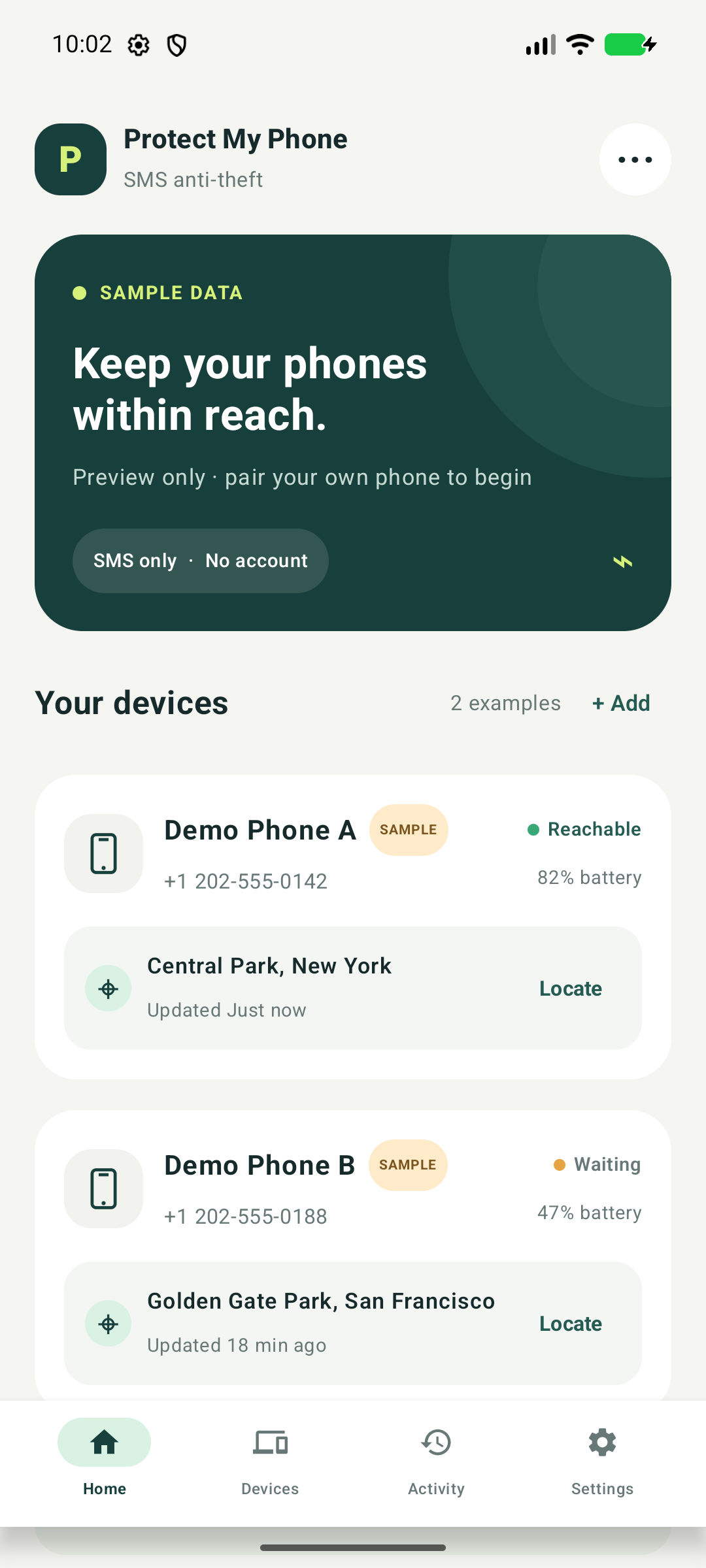
A familiar place for every phone
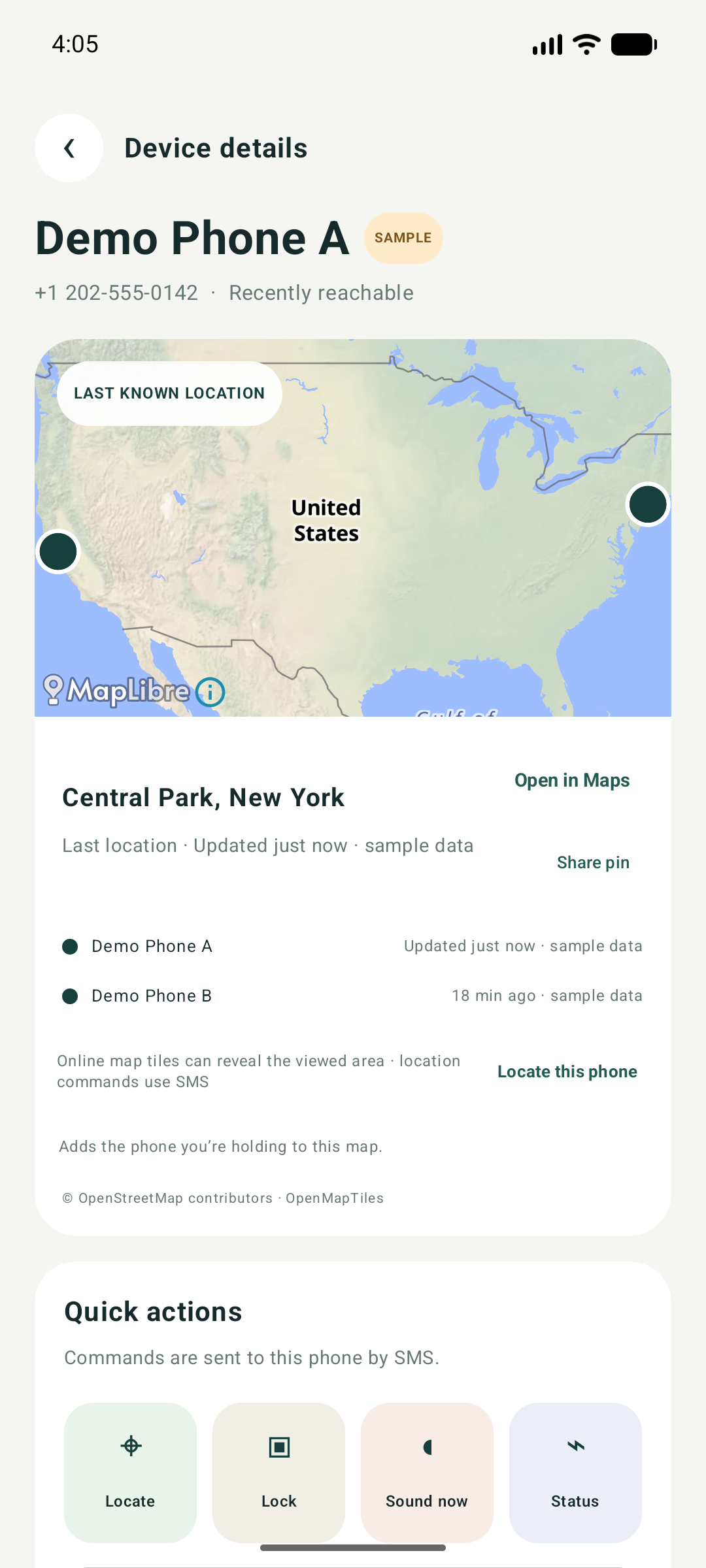
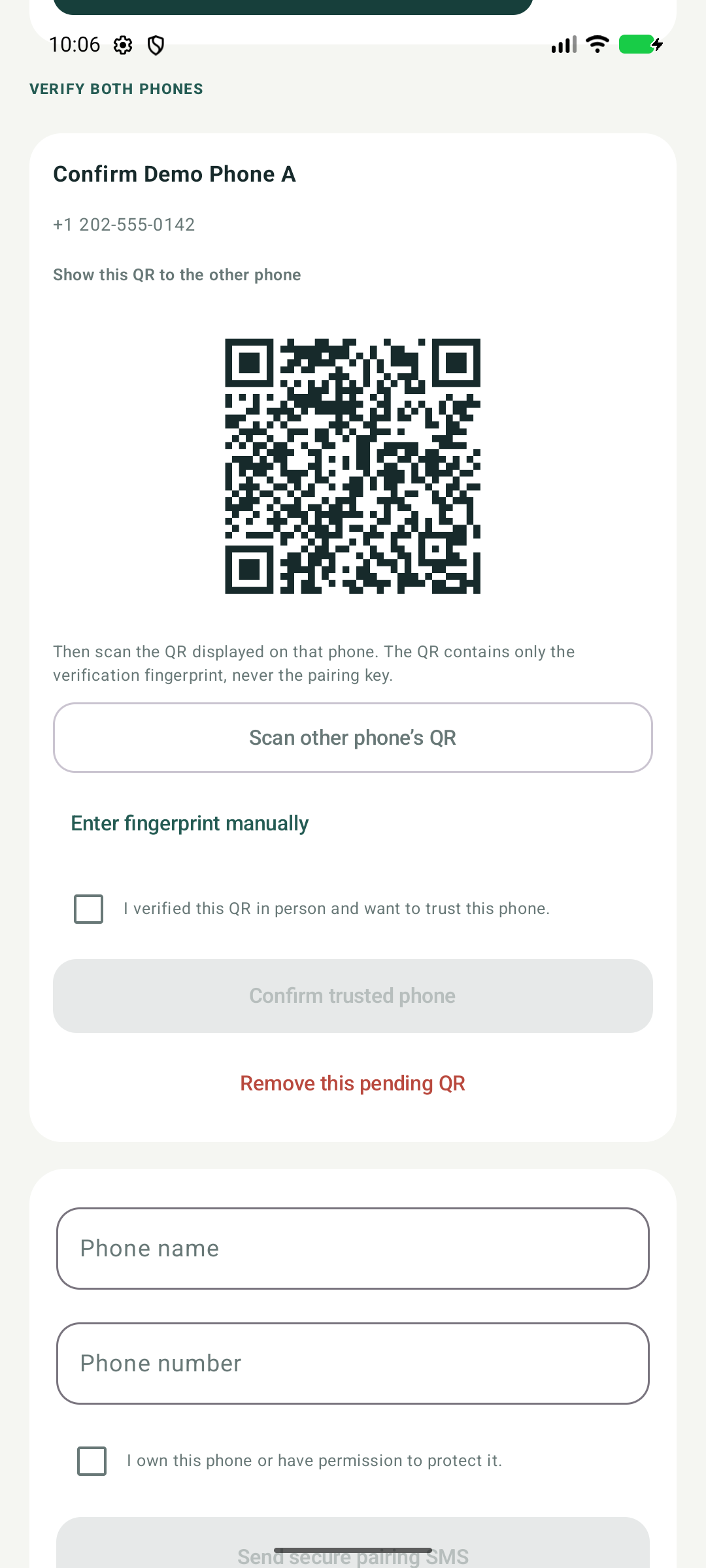
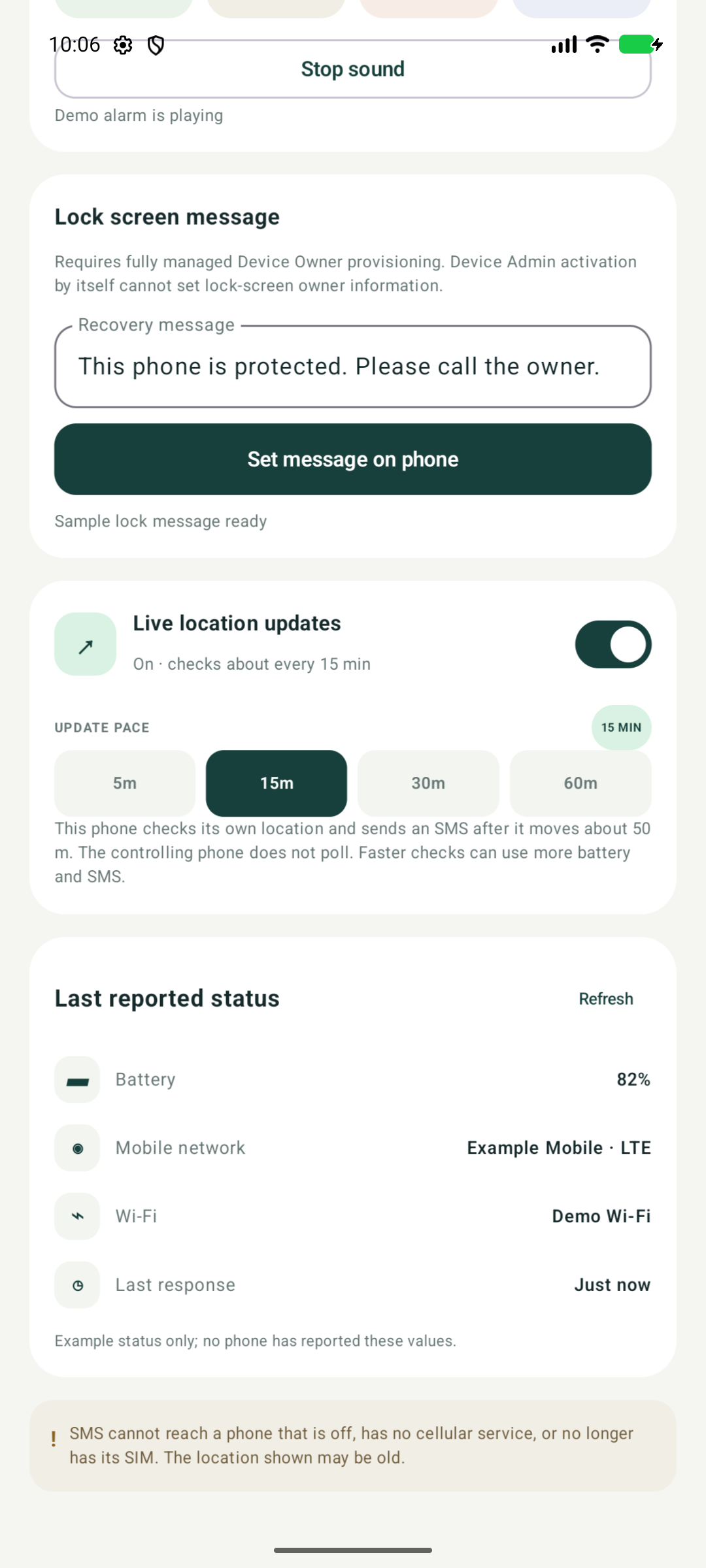
Real app screenshots from the demo build. All names, numbers, locations and QR data shown here are fictional.
Protection, one message away
- Verified pairing
- Pair multiple phones through SMS and QR-assisted fingerprint checks. Both owners approve the connection.
- Location and device status
- Request battery, network, Wi-Fi and the latest available location together. Every reported location includes its time.
- Movement updates
- Start sharing once. The protected phone checks its position and sends changed locations at the selected interval. Send Stop whenever you choose.
- Sound and remote lock
- Start or stop an audible find-phone alert. Enable optional Android Device Admin access for owner-approved screen locking.
- Recovery text
- Advanced Device Owner provisioning can enable custom lock-screen owner text on managed devices.
Each phone needs power, cellular coverage and SMS service. Carrier charges apply. Online maps need internet. Location and lock features depend on the permissions and Android settings enabled on the receiving phone.
See the app in use
Actual signed release on two Android emulators. SMS delivery is simulated with the app's authenticated messages; device identities and coordinates are test data. Idle waits are removed.
Install on your own phones
This is an early release distributed directly as a signed APK. Test the features you need on your own phones before relying on them.
- Download the APK from the official GitHub release. The release page includes its SHA-256 checksum.
- Open the file. If Android asks, allow your browser or file manager to install unknown apps, then return to the installer. You can turn that permission off afterward.
- Open Protect My Phone and read the disclosures. Enable SMS access for the command channel. Choose location, notifications and optional device-admin access when you need those features.
- Repeat on the other phone. Start pairing, enter its number, verify the fingerprints through the QR flow and approve on both phones. Test a status request, location and sound.
Install the official release
You're downloading the official signed APK from Code Terra. The source code is public on GitHub, and each release includes a checksum to verify your download.
Protect My Phone uses SMS to exchange recovery commands between your paired phones. Location sharing and remote lock are features you choose to enable. Play Protect can show a warning for apps installed outside Google Play that request permissions such as SMS.
If Play Protect blocks installation and you choose to continue with the official APK:
- Open Play Store → profile → Play Protect → Settings.
- Turn off Scan apps with Play Protect and retry installation.
- Turn scanning back on after installation.
Turning scanning off temporarily reduces protection for your phone. Keep it enabled afterward. About Play Protect.
Google Play separately excludes SMS-based device locators and remote phone control from permitted SMS uses, so this SMS edition is available as a direct APK. Read the SMS permission policy.
Prefer ADB? Follow the repository installation guide. Install updates over the existing app using the same signing identity; uninstalling first removes local pairings.